Never stop at a limit
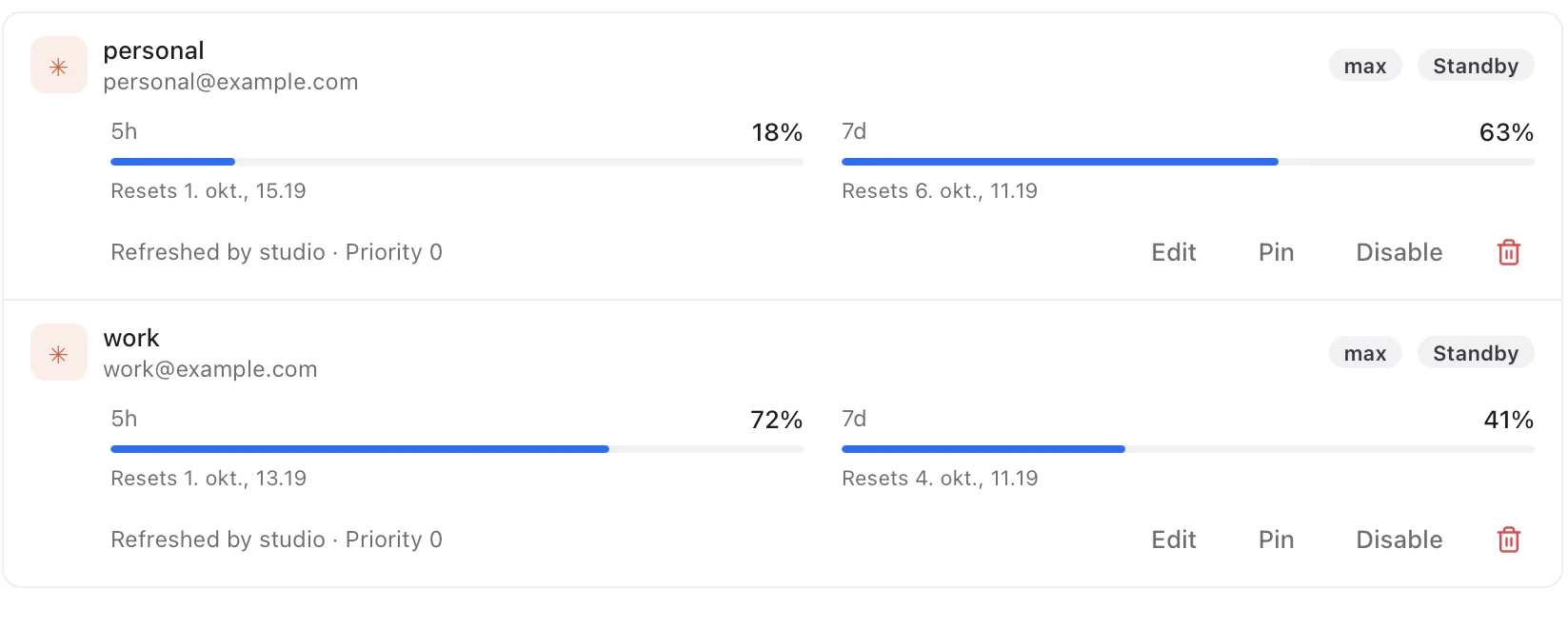
Add your Claude and Codex subscriptions once. Agentgate watches how much of each one is used and moves your sessions to the next account before the current one runs out. The session keeps going; you do not notice the switch.
 AgentgateGitHub
Agentgate runs quietly in the background on your Mac or Linux machine. It shares your Claude and Codex subscriptions between your sessions, gives each repository the tools it needs, and keeps the whole setup in sync across your machines.
Free and open source. v0.17.1 · All versions · Signed and notarized by Apple. Runs on macOS 13 and later, on Apple silicon and Intel.
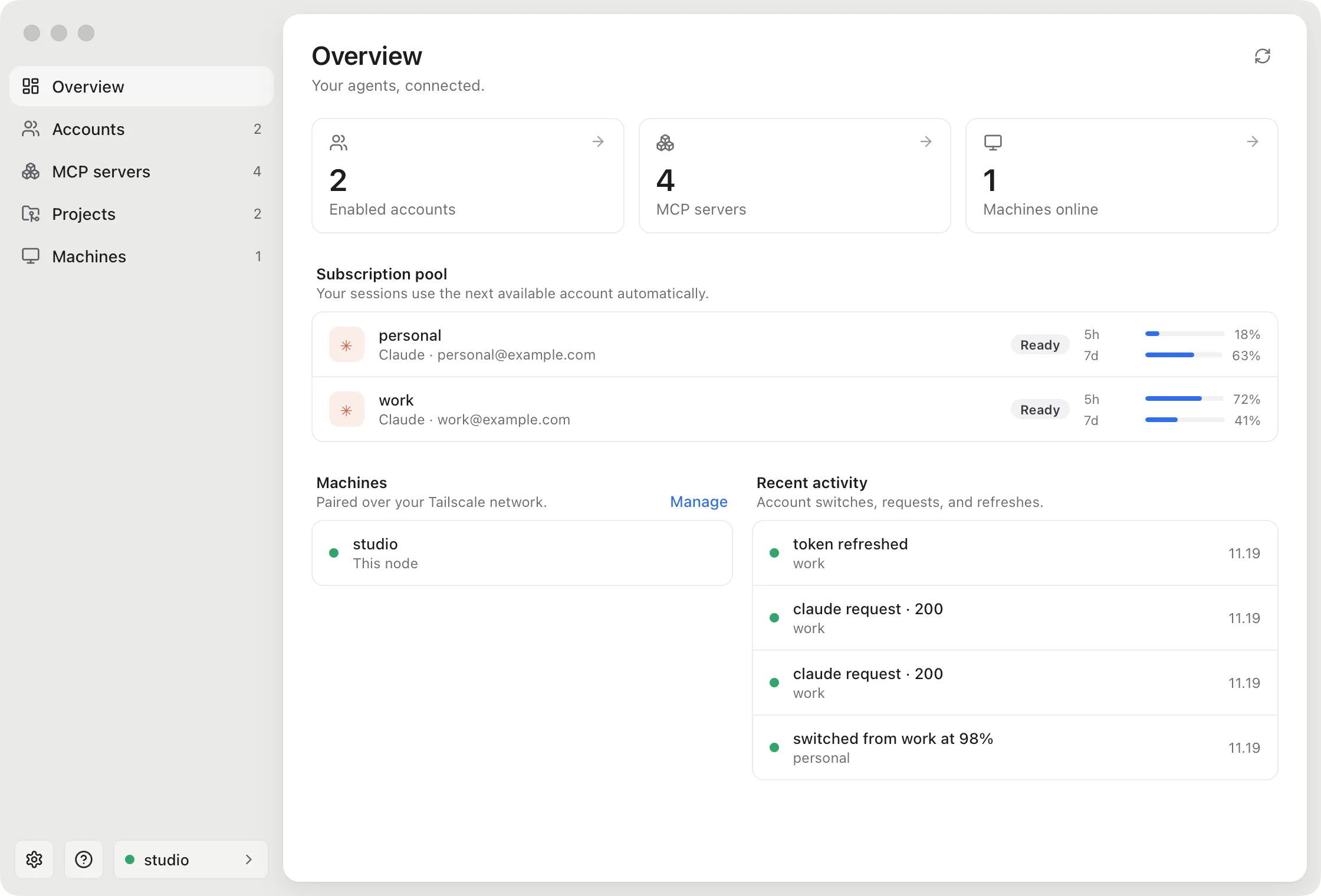
Add your Claude and Codex subscriptions once. Agentgate watches how much of each one is used and moves your sessions to the next account before the current one runs out. The session keeps going; you do not notice the switch.
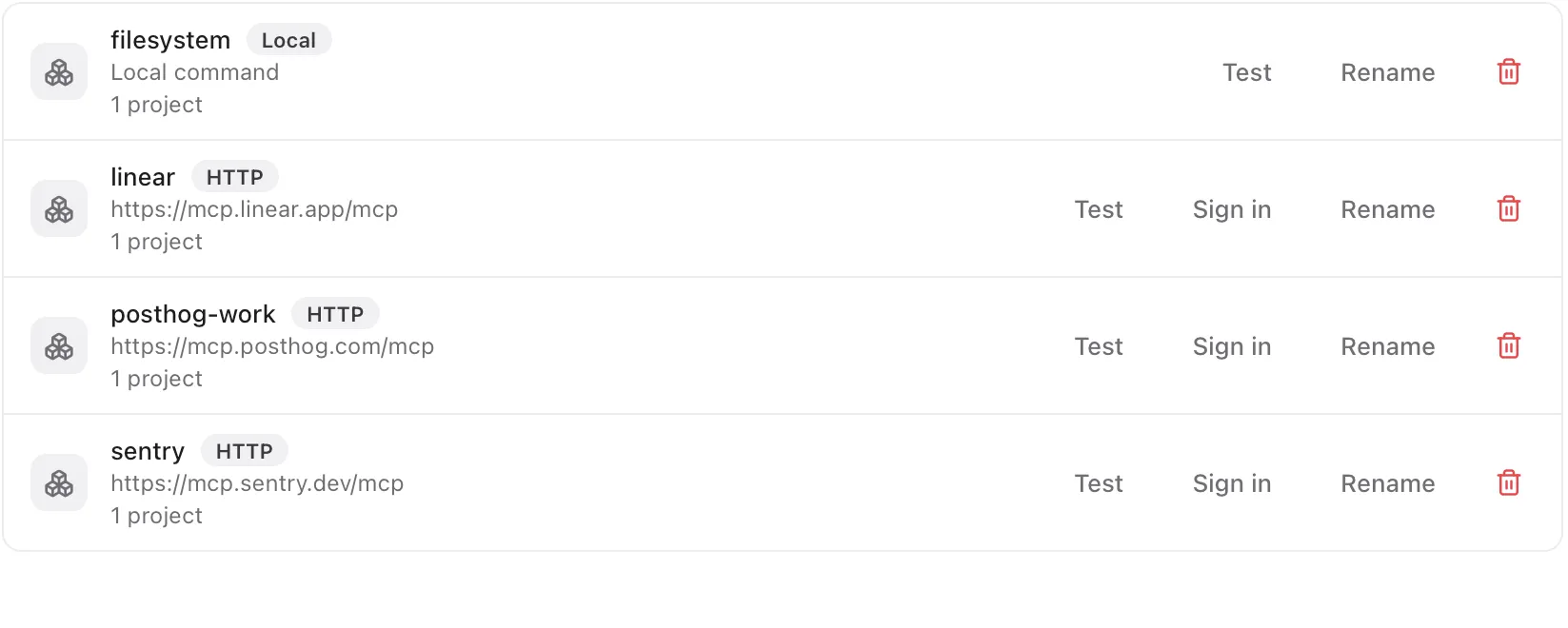
Paste an MCP server's address, or pick one of the presets for PostHog, Linear, Sentry, Notion, Stripe and more. Sign in once in your browser. Agentgate keeps the login fresh and hands the tools to every session that needs them.
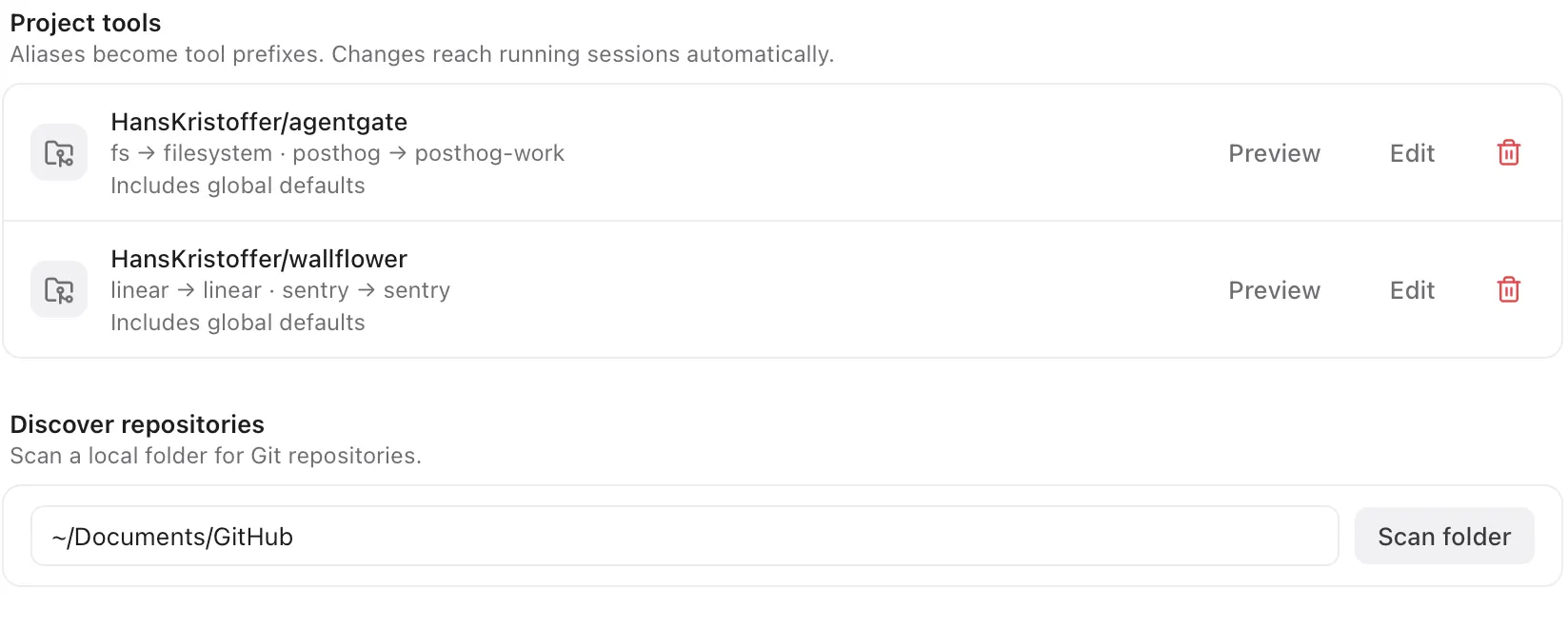
Your work repo talks to the work PostHog project, your side project to its own. Agentgate reads which repository a session runs in and gives it exactly those tools. Change a mapping and running sessions pick it up.
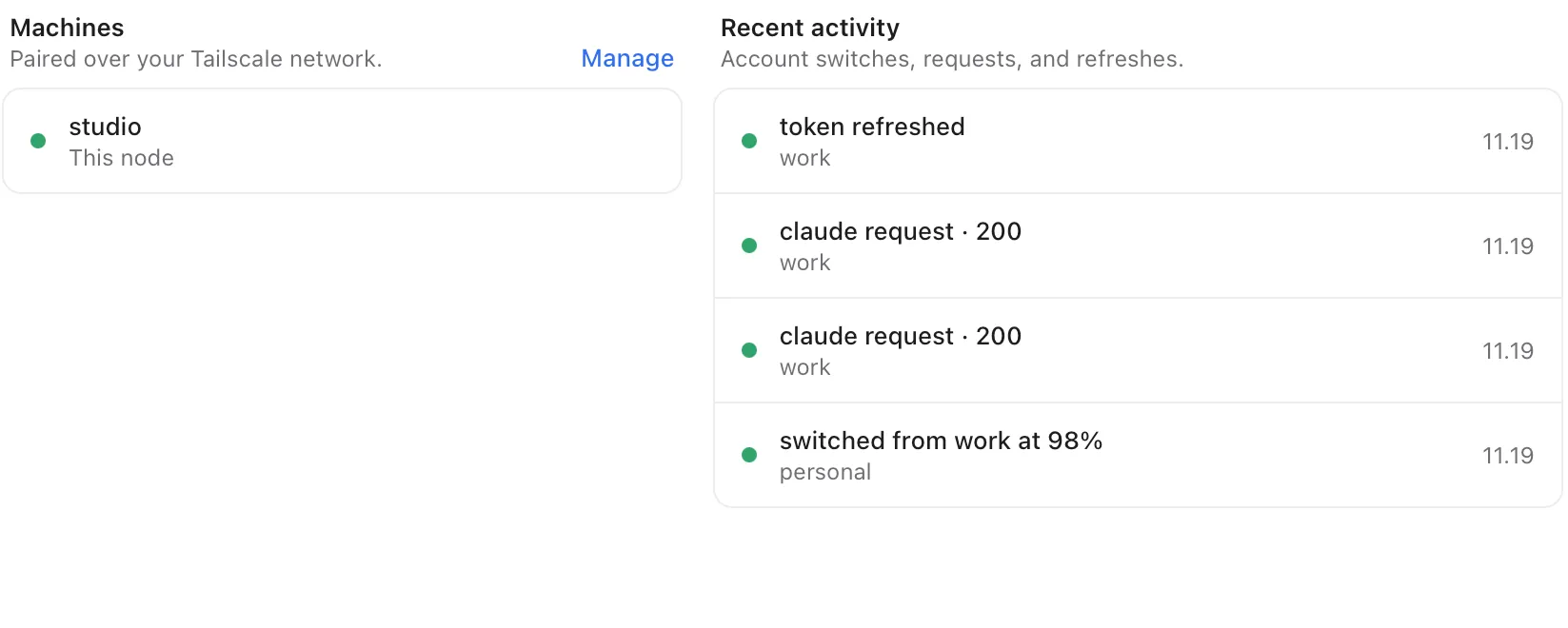
Pair your laptop with a desktop or an always-on server over Tailscale. Accounts, tools and mappings follow you, and each machine keeps working when the others are offline.
In the app, press Set up this machine and follow along. Or do the same from a terminal, which is also how it runs on a headless Linux server.
It installs as a background service, so it keeps running when you close the app or log out of the server.
Sign in to Claude or Codex in your browser, connect your MCP servers, and choose which repositories get which tools.
Agentgate writes the settings for Claude Code and Codex, and gives you the two paths to paste into T3 Code. Every session from then on goes through the pool.
npm install -g @hanskristoffer/agentpool

agentgate init
agentgate login claude --label work
agentgate login codex --label personal
agentgate setup
agentgate service install
Needs Tailscale on each machine you want to pair, and the claude or codex CLI for signing in. No npm? Use the install script instead.
Agentgate runs on your own machines. There is no account to make and no server of ours in the middle: your logins and settings live in a local database, and travel only to the machines you pair, over your own Tailscale network.
That also means you should pair only machines you control, since each one holds working logins. And pool only your own subscriptions, with a person driving the sessions.